HelpUse it elsewhere
Use it in ChatGPT
Humanize without leaving ChatGPT.
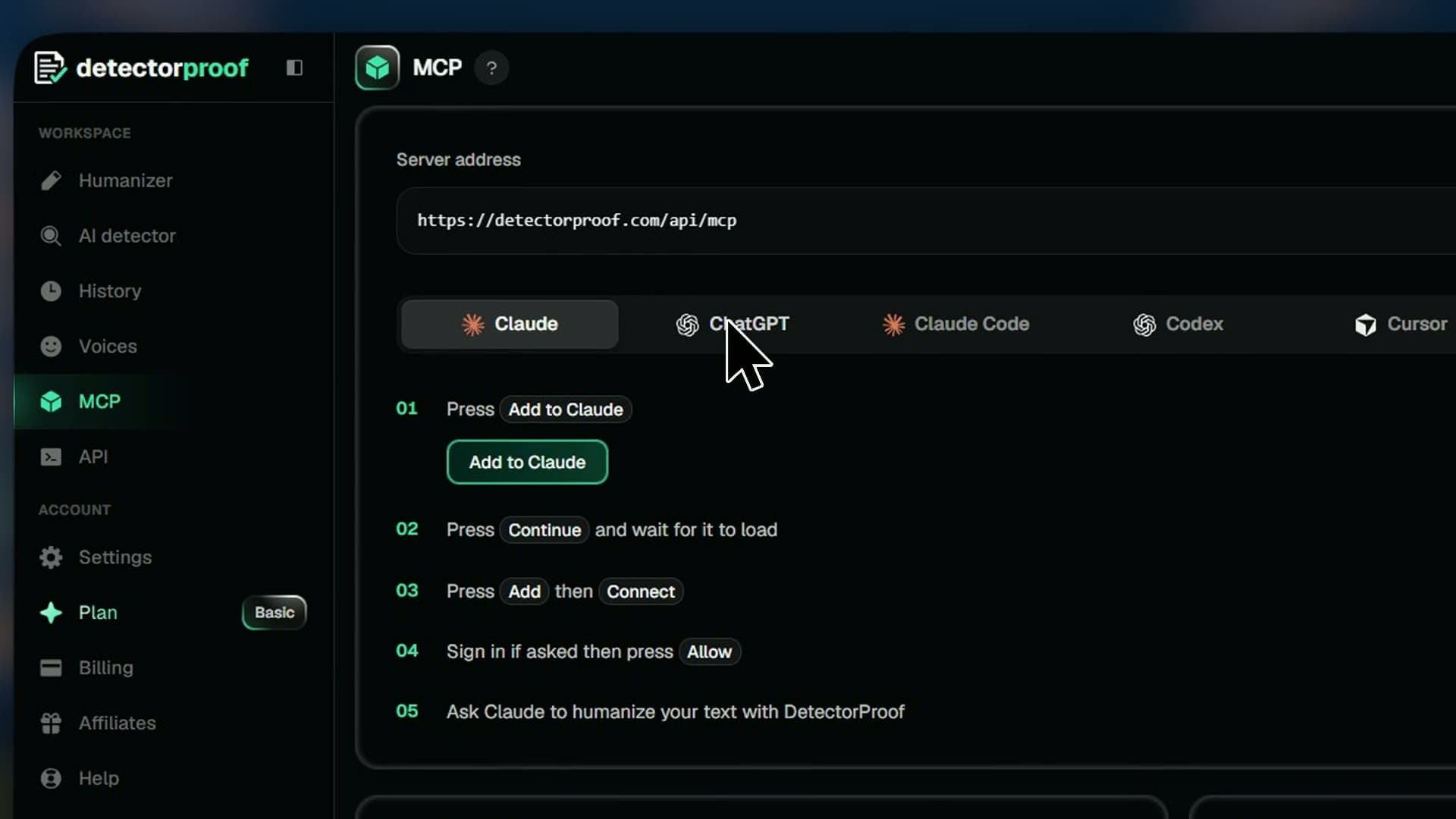
DetectorProof works inside ChatGPT as a connected app. Add it once, then ask ChatGPT to humanize any text and it does it in the chat, with your plan's words.
Steps
- 01Open MCP, pick ChatGPT and press Open ChatGPT
- 02Press Add, then Add custom MCP server
- 03Name it DetectorProof and paste the server address
- 04Tick the box and press Create as a plugin
- 05Press Continue to DetectorProof, then Allow
- 06Ask ChatGPT to humanize your text with DetectorProof
Good to know
- The server address is on the MCP page, with Copy beside it.
- Each text uses your plan's monthly words and lands in your History.
- To disconnect, press the cross beside ChatGPT in Settings, under Connected apps.