HelpPlans and billing
Pause or cancel
Both from Billing.
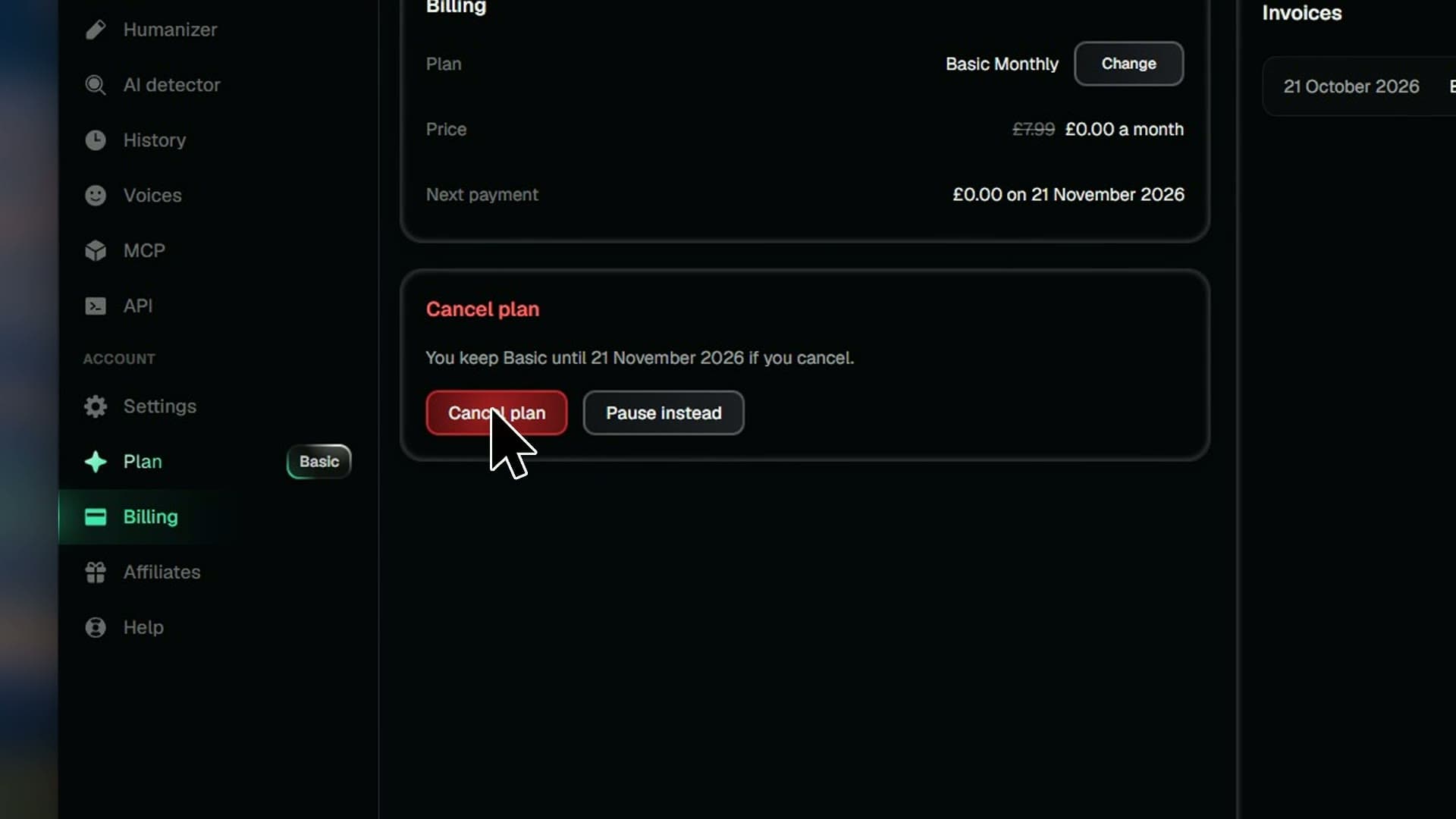
You're never stuck paying. Pause a monthly plan for a while, or cancel and keep your plan until the time you've paid for runs out.
Steps
- 01Open Billing
- 02Press Cancel plan, then Cancel plan again
- 03Take an offer, or press Cancel anyway
- 04Press Pause instead and pick how long
- 05Press Pause plan
- 06Changed your mind? Press Resume plan or Undo pause
Good to know
- Cancelling keeps your plan until the time you paid for ends.
- Only monthly plans can pause, and they restart by themselves.
- Nothing is charged while paused, and you have Free's limits.