HelpAccount
Delete your account
What goes and how.
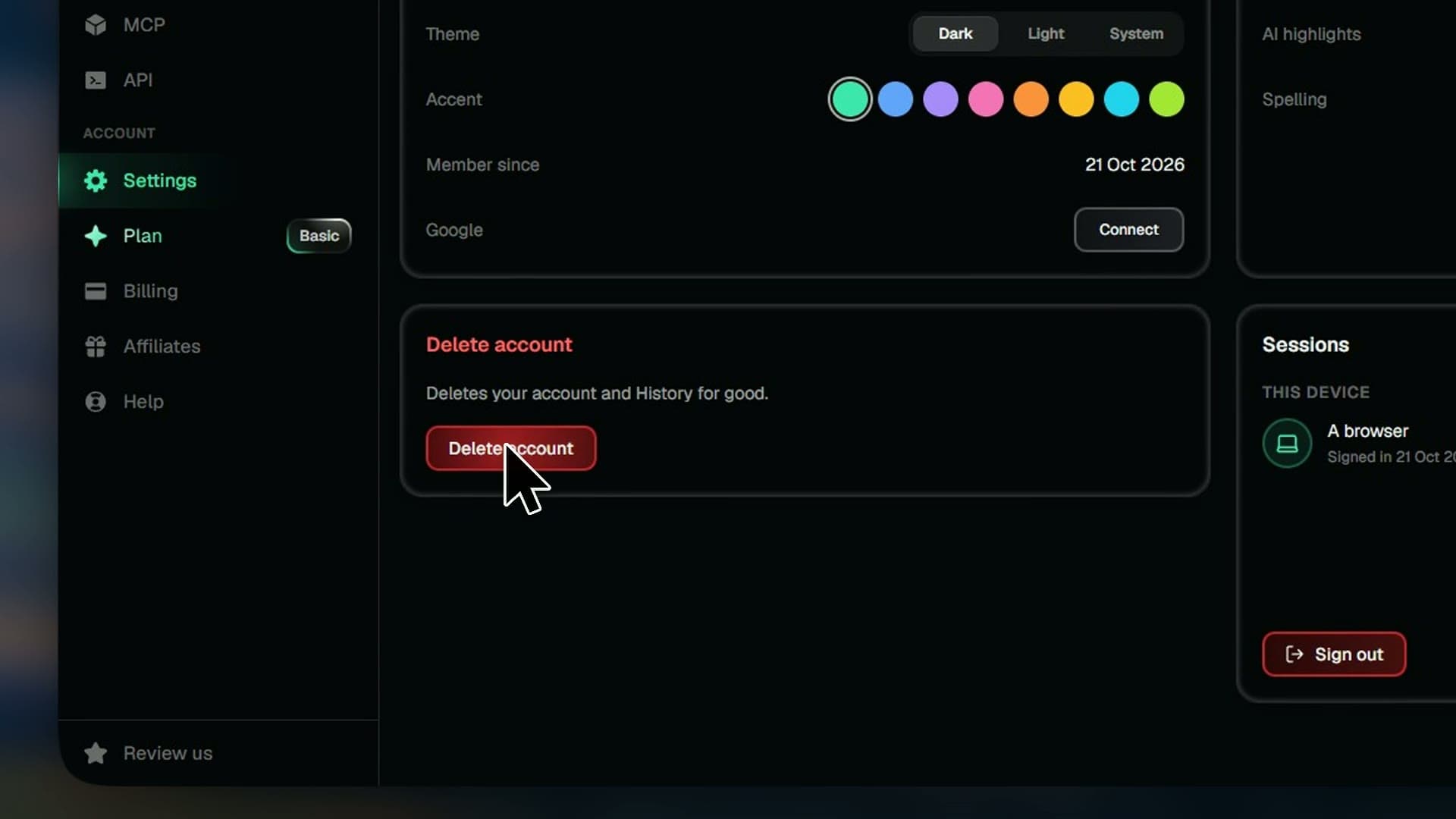
Deleting your account removes it and your History for good. This is what goes, and what to sort out first.
Steps
- 01Open Settings and press Delete account
- 02Type DELETE MY ACCOUNT and press Delete account
- 03Open the link we email you
- 04Press Delete account
Good to know
- Your account and History go for good. This can't be undone.
- Your plan ends straight away, with no refund for the time left.
- Any API credit is lost, and your API keys and connected apps stop working.
- Think you're owed a refund? Ask us before you delete.