HelpPlans and billing
Billing and invoices
See what you pay and when.
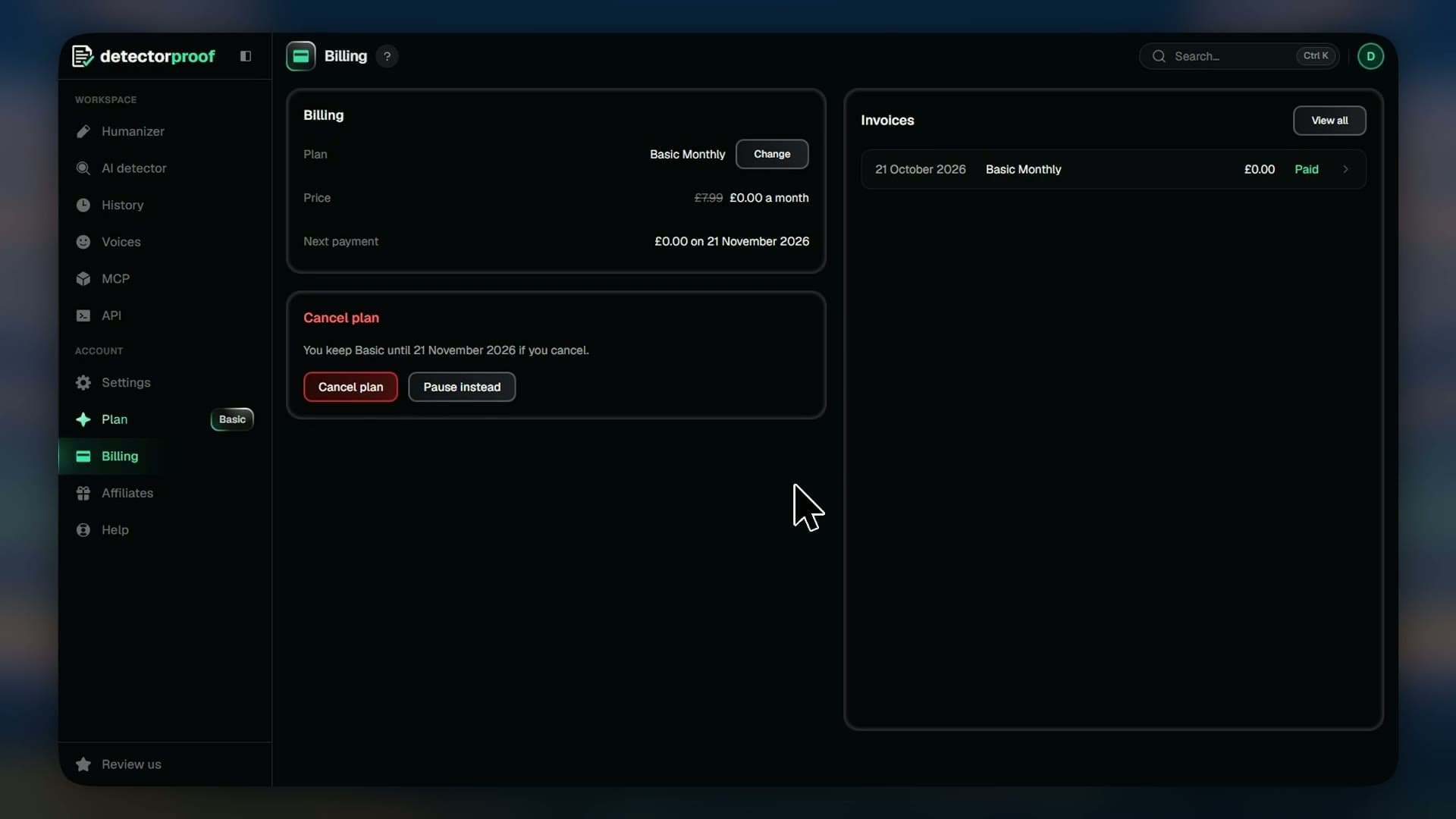
Billing keeps your plan's money in one place: what you pay, when you next pay, the card you pay with and every invoice so far.
Steps
- 01Open Billing
- 02Check Price and Next payment for what you pay and when
- 03Press Update beside Payment to change your card
- 04Press an invoice to open it and its PDF
- 05Press View all to see all your invoices and cards
Good to know
- A receipt is emailed to you after each payment.
- API top-ups aren't listed here. Their receipts come by email.
- If a payment fails, your limit is 2,000 words until it goes through.
- To pause or cancel, see the Pause or cancel guide.