HelpAccount
Turn on 2FA
Add a code to every sign-in.
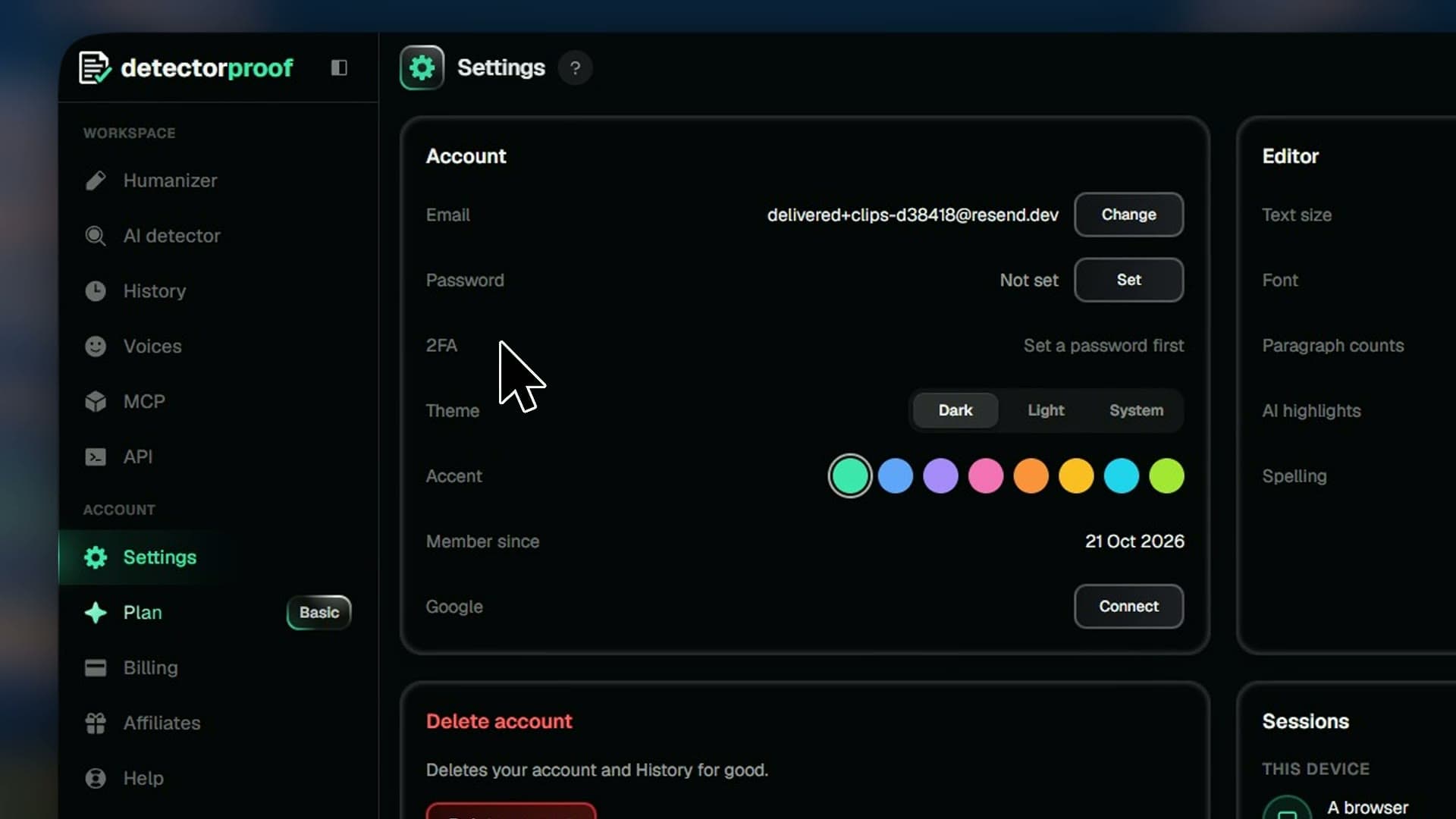
2FA asks for a code from your email each time you sign in, so your password alone isn't enough to get in.
Steps
- 01Open Settings
- 02Press Turn on in the 2FA row
- 03Enter your password and press Turn on
- 04When you sign in, enter the code we email you
- 05No code? Press Resend code
Good to know
- Codes come by email and work for 10 minutes.
- You need a password for 2FA. No password yet? Press Set in the Password row.
- The code goes in by itself once all six digits are typed.
- To turn it off, press Turn off and enter your password.