HelpPlans and billing
Change your plan
Move up or down a plan.
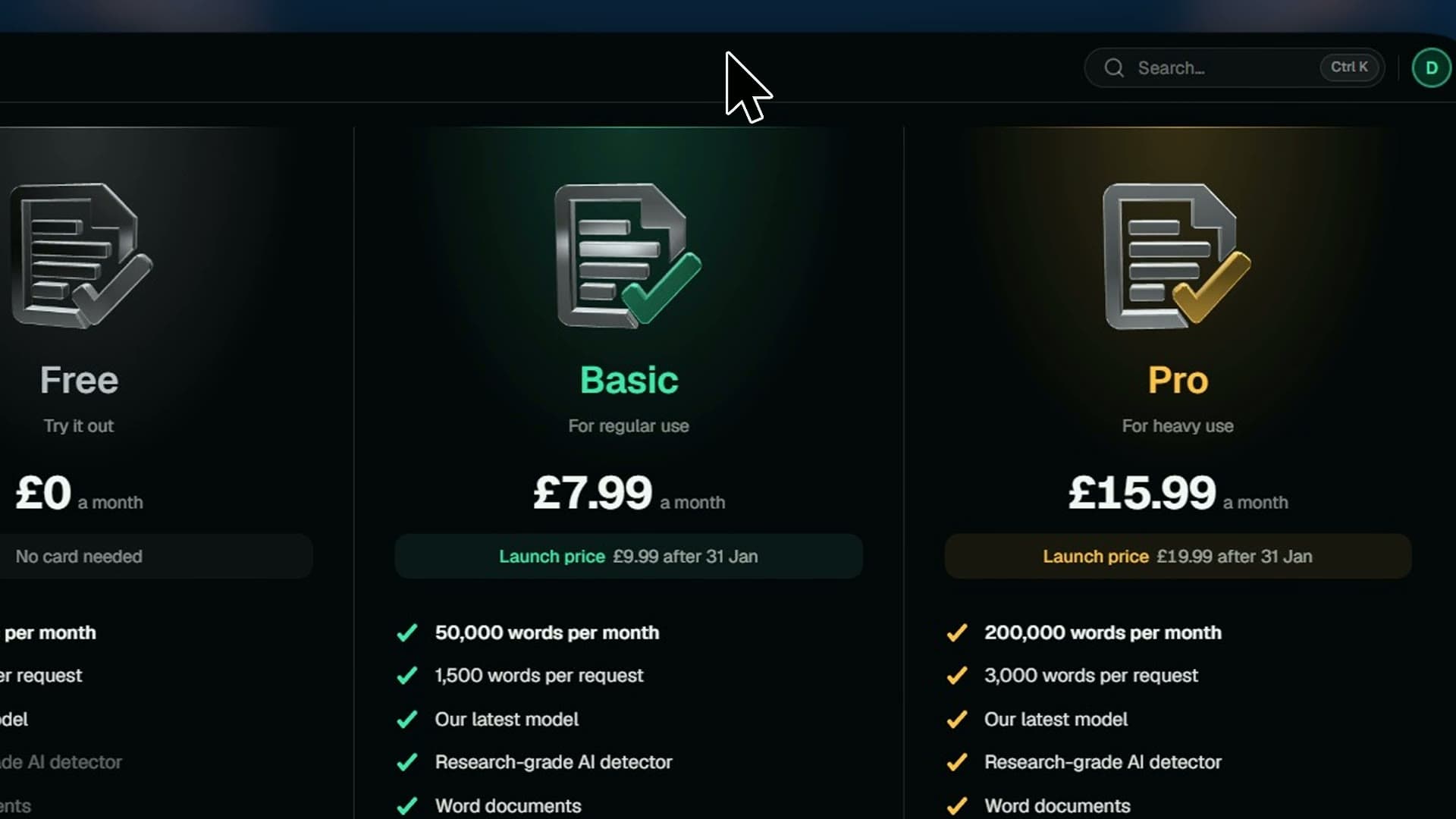
Move to a bigger plan for more words and features, or a smaller one to pay less. You see exactly what you'll pay before you switch.
Steps
- 01Open Plan
- 02Pick Monthly or Yearly billing
- 03Press Upgrade or Downgrade on the plan you want
- 04On Free, press Get Basic or Get Pro and pay
- 05Check what's due today before you switch
- 06Press Switch to Pro or Switch to Basic
Good to know
- Moving up changes your plan at once, and you pay the difference.
- Moving down waits for your next billing date.
- Yearly costs half as much as paying monthly.