HelpHistory
Your History
Everything you've humanized or checked.
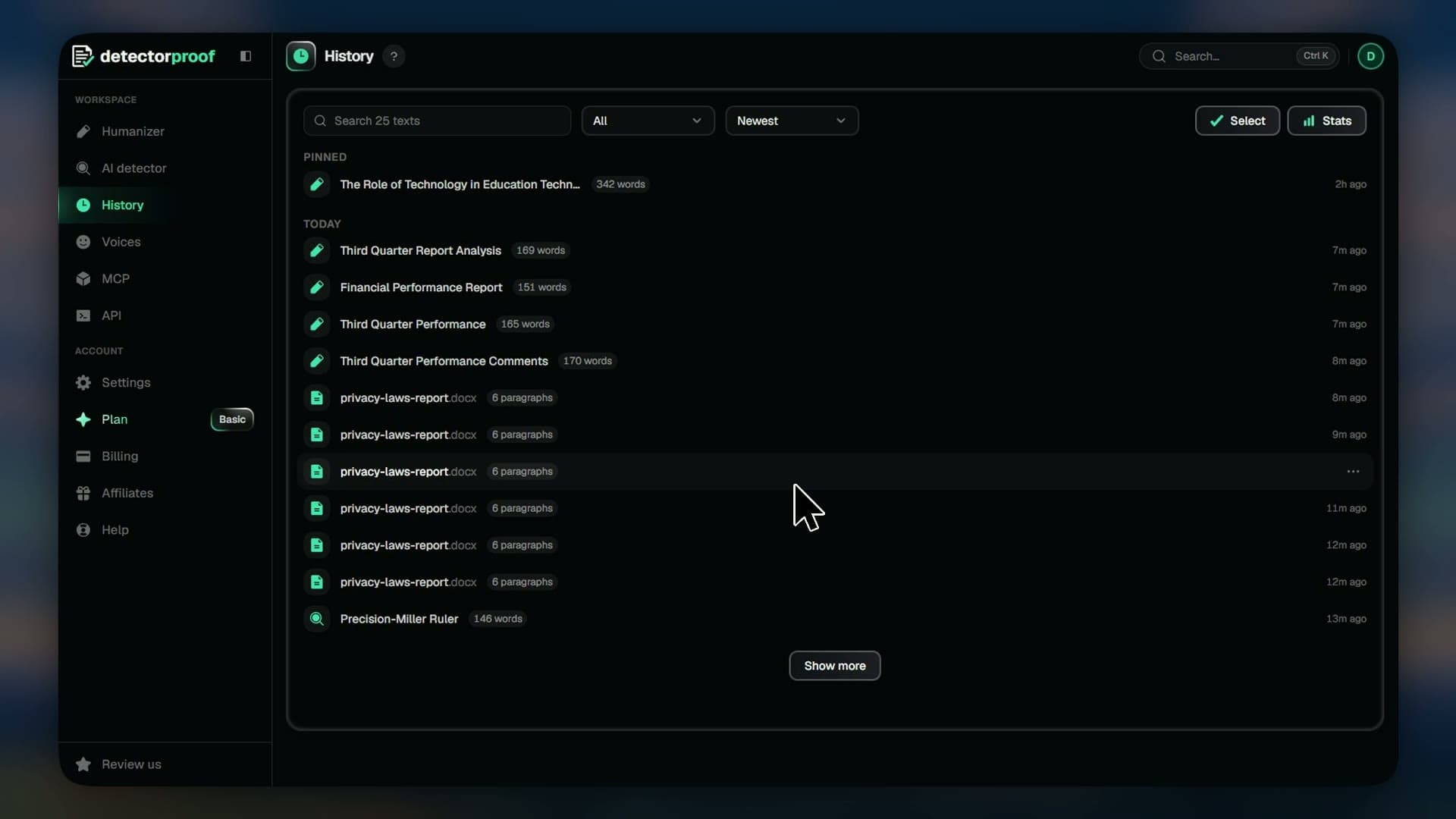
History keeps everything you've humanized or checked, newest first. Find a text, open it again, pin the ones you need and clear out the rest.
Steps
- 01Open History to see every text
- 02Type in the search box to find a text
- 03Pick a sort from the dropdown
- 04Press a row to see its text and scores
- 05Press Open to edit it again
- 06Press the three dots, then Pin to keep it on top
- 07Press the three dots, then Rename
- 08Press the three dots, then Delete
- 09Press Select to delete several at once
Good to know
- Delete works at once and can't be undone.
- Deleting a text doesn't give its words back.
- Press Show more for older texts.
- Leave a name empty to put the text's own name back.