HelpAccount
Email and password
Both from Settings.
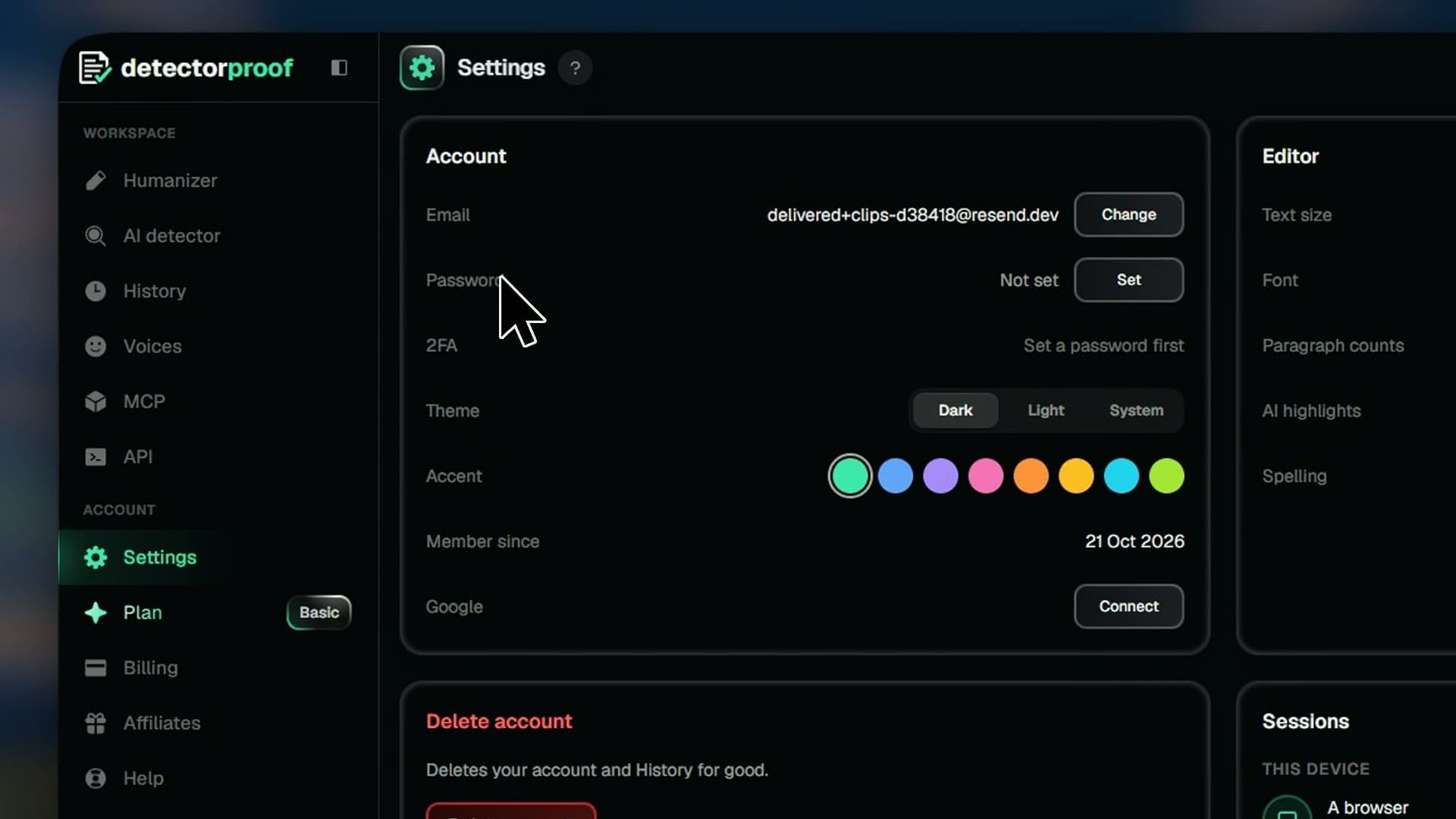
Keep your sign-in up to date. Change the email you use or your password, all from Settings.
Steps
- 01Open Settings
- 02Press Change in the Email row, then Send code
- 03Enter the code and your new email
- 04Enter the new code and press Change email
- 05Press Change in the Password row
- 06Fill it in and press Save changes
Good to know
- Each code works for 10 minutes.
- A new password needs at least 8 characters.
- No password yet? Press Set in the Password row and use the link we email you.
- Forgot it? Press Forgot password? on the sign-in page.