HelpGetting started
Keyboard shortcuts
Every key that saves you a click.
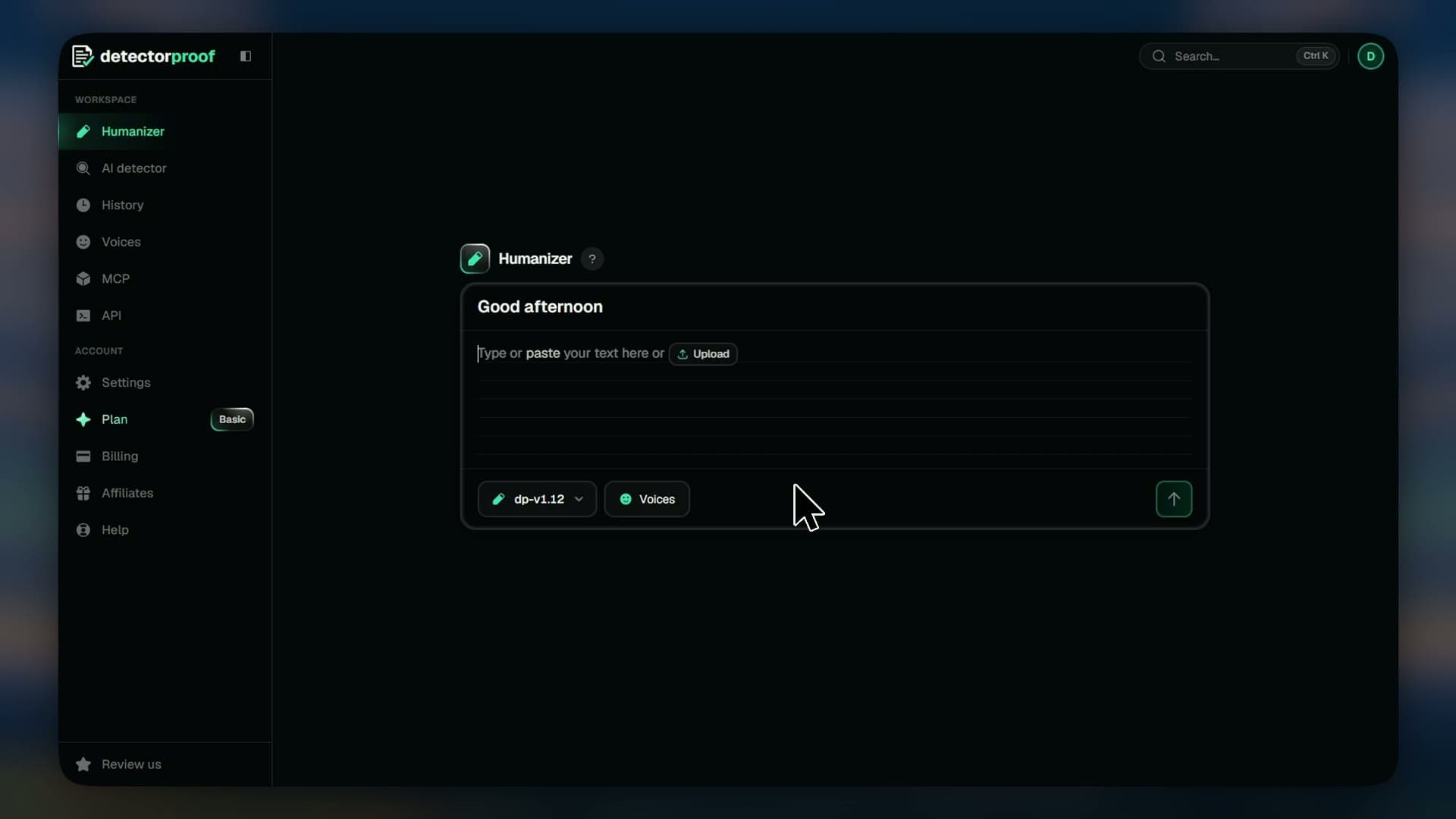
The keys that save you a click, from humanizing without the mouse to finding any text you've humanized.
Steps
- 01Ctrl+Enter submits your text
- 02Ctrl+Z undoes in the Humanizer's box
- 03Ctrl+Y redoes it
- 04Ctrl+K searches the dashboard and your texts
- 05The arrow keys move through search results and Compare
- 06Enter sends a message in the chat
- 07Esc closes a dialog, search or the chat
Good to know
- On a Mac, use ⌘ in place of Ctrl.
- On a phone, Enter in the chat starts a new line, so press Send.